Enterprise cloud migration is no longer just a trendy IT experiment; it is a strategic survival mandate. Yet, for many CIOs and enterprise architects, the fear of operational downtime paralyzes progress. When a single hour of offline systems can bleed over $300,000 for a mid-market company—and up to $5 million for massive enterprises—you simply cannot afford the traditional weekend “lift-and-shift.” Relying on manual database exports, cold system cutovers, and crossed fingers is a recipe for a multi-day outage nightmare.
The good news is that achieving a zero-downtime migration to Microsoft Azure is entirely possible when you treat the move as a precision engineering discipline rather than a brute-force data dump.
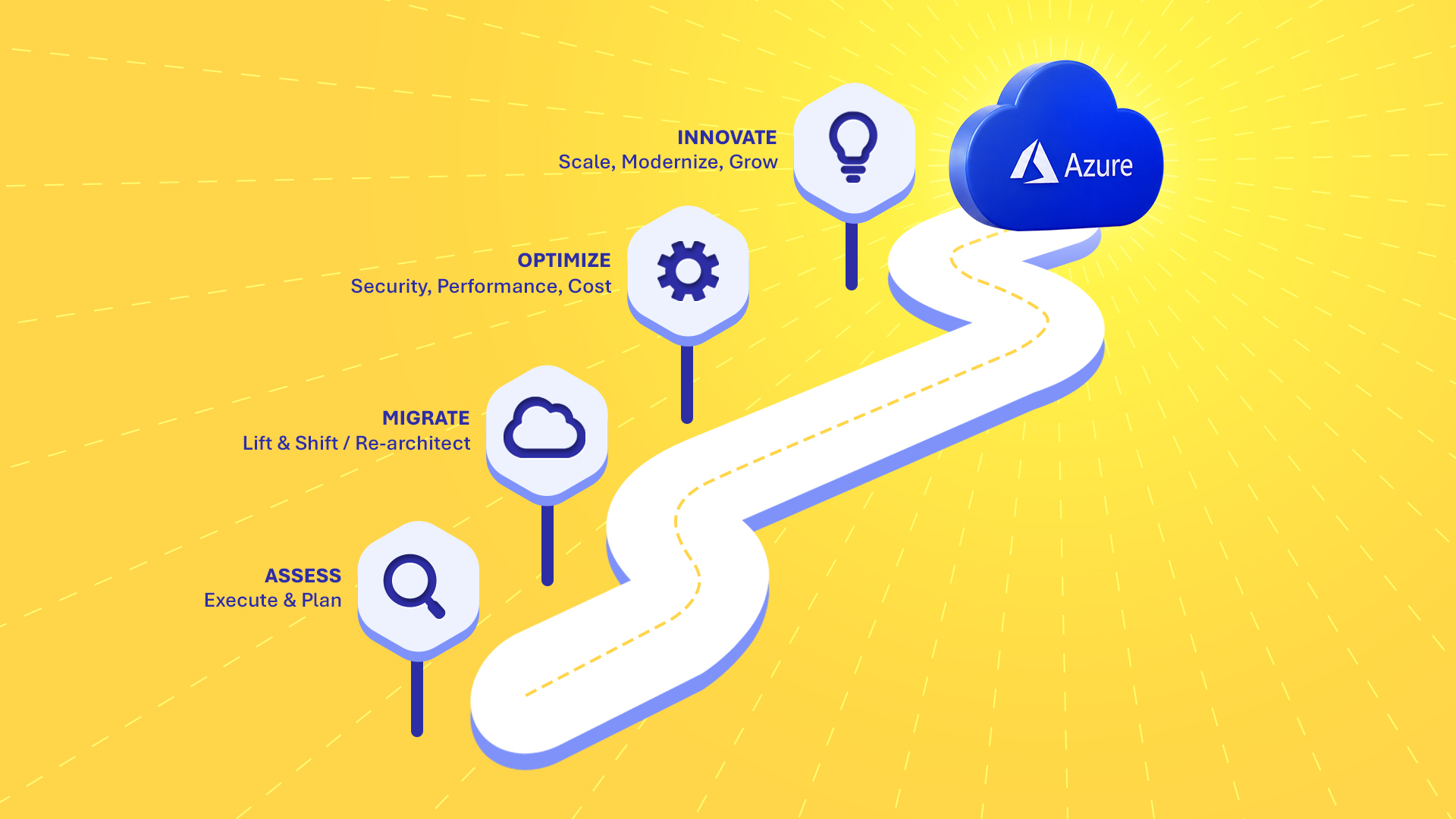
The 5-Phase Azure Transition
Eliminating downtime means running your legacy infrastructure and new Azure resources in parallel until the absolute last second. Here is how successful engineering teams phase that transition:
1. Map Every Hidden Dependency
Most cutover disasters trace back to a single forgotten connection—like a newly migrated cloud application trying to query an on-prem database across a high-latency connection. Using agentless tools like Azure Migrate allows you to map your entire environment, track live network traffic, and group dependent servers into logical migration waves before moving a single byte.
2. Build the Landing Zone
Before data actually moves, you need a secure structural foundation. This requires setting up an Enterprise-Scale Azure Landing Zone. You sync your local Active Directory with Microsoft Entra ID to keep user access seamless, build out secure hub-and-spoke networks, and lock down your governance policies. Think of this as wiring the house and changing the locks before moving your furniture in.
3. Sync and Sandbox
This is where the zero-downtime strategy actually takes shape. Instead of freezing your databases for hours, you use log-based Change Data Capture (CDC) via the Azure Database Migration Service. Your on-prem servers keep handling live customer traffic while data changes asynchronously stream to Azure in the background. Because you have a live, syncing clone, your QA teams can spin up isolated sandbox environments in Azure to stress-test the system without users ever noticing.
4. The Micro-Cutover
When it is finally time to flip the switch, there is no weekend-long blackout. The legacy source application briefly enters a read-only state while the final pending transactions flush to the cloud. Once the replication lag hits zero, traffic routing services like Azure Front Door instantly update to send users directly to the new Azure endpoints.
5. Post-Cutover FinOps
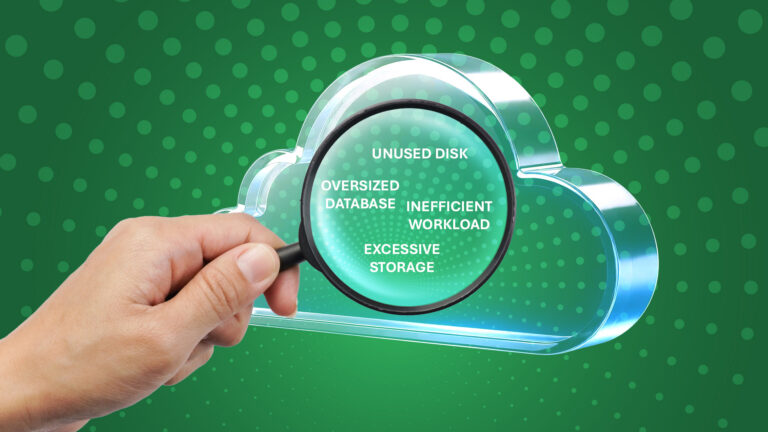
The job does not end after the traffic shifts. The final phase focuses on rightsizing your virtual machines, setting up automated storage tiering, and leveraging Azure Advisor to keep monthly platform costs aggressively optimized.
Partnering for Precision
Even with the right playbook, mitigating complex risks like split-brain database writes or session desynchronization requires serious architectural experience. Collaborating with a certified Microsoft Solutions Integrator like ClinkIT Solutions takes the guesswork out of the equation. Backed by 18 years of technical consulting, they handle the heavy lifting of automated dependency mapping, scripted cutovers, and 24/7 managed operations.
Cloud transformation should never force you to compromise your current revenue or brand equity. With continuous data streaming, rehearsed cutovers, and the right engineering partner, your upgrade to Azure can be completely invisible to the people who matter most: your customers.