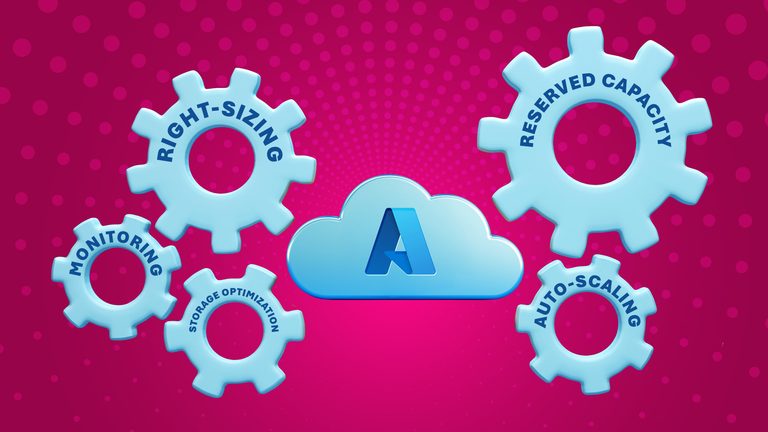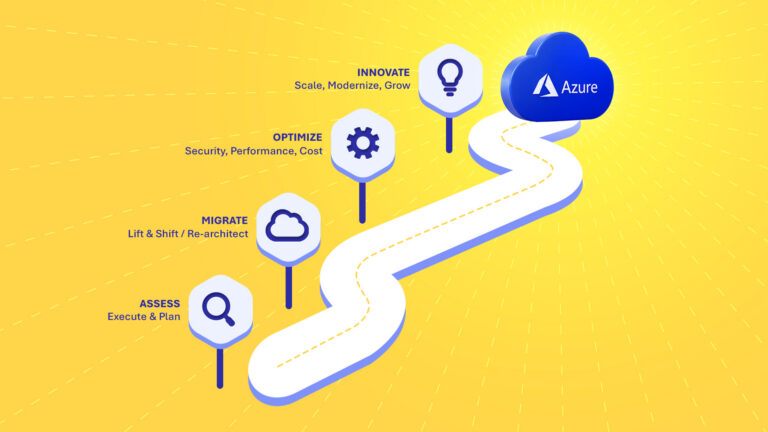
Performance problems in Microsoft Azure are not always caused by insufficient computing resources. Application architecture, database configuration, storage, networking, inefficient code, and poorly sized services can all contribute to slow applications and unnecessary cloud costs.
At ClinkIT Solutions, our cloud and software engineering teams approach Azure performance as an end-to-end architecture problem rather than simply increasing infrastructure capacity.
For organizations using Azure in the Philippines and international markets, regular performance monitoring and optimization can help improve application responsiveness, infrastructure efficiency, reliability, and cloud spending.
Here are several areas businesses should examine when investigating Azure performance bottlenecks.
1. Establish Baseline Observability
You can’t fix what you can’t see. Start with Azure Monitor but beware of alert fatigue. Instead of manual setups, implement Azure Monitor Baseline Alerts (AMBA) to utilize machine learning for dynamic thresholds.
When querying logs to hunt down issues, optimize your Kusto Query Language (KQL) performance. Always filter by TimeGenerated early to restrict scanned data, and absolutely ditch the resource-heavy search * command. Otherwise, you risk turning your diagnostic tools into a brand-new bottleneck.
2. Untangle Compute and Application Snags
Sometimes, what looks like a hardware limit is a codebase issue. A classic example in .NET applications running on Azure App Service is Thread Pool Starvation. This happens when synchronous blocking calls (like using .Result or .Wait() on an async task) force threads to wait indefinitely for downstream databases. The server’s CPU might look totally idle, yet the app is unresponsive. The fix? Refactor your code to exclusively use proper async/await patterns.
For Virtual Machines, ensure your VM SKUs actually match your workload. Throwing a memory-optimized VM at a CPU-heavy task guarantees inflated costs and sluggish processing.
3. Uncap Storage, WAF, and Databases
Storage limits often masquerade as compute issues. Azure caps IOPS based on your specific disk tier. If your application feels slow but CPU usage is low, check your disk queue depth. Upgrading to Premium SSDs or batching I/O operations can instantly clear the logjam.
On the networking side, poorly tuned Web Application Firewalls (WAF) cause massive tail latency. Deep regex evaluations on incoming HTTP requests eat up CPU. Run new WAF policies in Detection mode first to isolate false positives before enabling strict blocking.
For databases, watch out for the dreaded “Hot Partition” in Azure Cosmos DB. If you partition a globally distributed app by a low-cardinality key (like a country code where 90% of your users reside), one physical partition will exhaust its Request Units (RUs) while the rest sit idle. Use composite keys to distribute the load evenly.
4. Decouple Architecture and Enforce FinOps
Synchronous point-to-point connections are incredibly brittle. If a downstream API lags, your upstream application crashes. Decouple your services using Azure Service Bus or Event Grid so components communicate asynchronously, preventing cascading failures.
Finally, tie the performance directly to your wallet. Adopt FinOps principles within an Azure Landing Zone. Tag resources rigorously, automate the shutdown of dev environments after hours, and right-size compute continuously rather than just once a year.
Scaling globally while balancing cost and performance is a massive undertaking. By bridging the gap between raw backend engineering and business revenue generation, ClinkIT Solutions helps you stop letting your Azure infrastructure lag, turning it instead into a high-performing engine for growth.
Let’s build smarter campaigns together. Reach out to our team today.
Whether you’re starting from scratch or optimizing what you already have, we’ll help you turn great ideas into powerful, high-performing digital experiences.
Clink With Us!